Cookie Compliance for WordPress and Shopify
Only 23% of websites fully comply with GDPR cookie rules. A practical guide to cookie compliance for WordPress and Shopify, with plugin recommendations.
97% of Websites Use Cookies, But Only 23% Are Compliant
WordPress powers 43% of all websites. Shopify runs over 2.6 million online stores. Together, they dominate the web. Yet only 23% of websites fully comply with GDPR cookie consent requirements, according to a 2025 CNIL study.
The gap between "having a cookie banner" and "actually being compliant" is where most site owners get caught. Installing a banner is step one. Blocking cookies before consent, handling reject buttons that actually work, and keeping up with plugin changes is where it gets difficult.
This guide covers what WordPress and Shopify site owners need to do, which tools work best on each platform, and the mistakes that lead to fines.
What WordPress Sites Get Wrong
WordPress itself sets a few cookies for session management and logged-in users. These are strictly necessary and exempt from consent. The problem starts with everything you add on top: themes, plugins, analytics, and marketing tools.
The most common violations on WordPress:
- Tracking scripts in theme files. Google Analytics, Facebook Pixel, or other tracking code hardcoded in
header.phporfunctions.phpwill load before any consent plugin can block them. Consent plugins cannot intercept code that runs at the theme level. - Duplicate tracking. Running Google Site Kit, MonsterInsights, and GTM4WP simultaneously creates duplicate tracking and conflicting consent signals. Choose one analytics integration, not three.
- Pre-checked cookie categories. Some consent plugins default non-essential cookies to "on." Under GDPR Article 7, consent must involve a clear affirmative action. Pre-checked boxes do not count.
- Missing reject button. A banner with only "Accept" and "Manage Preferences" is not compliant. Users must be able to reject all non-essential cookies in the same number of clicks it takes to accept.
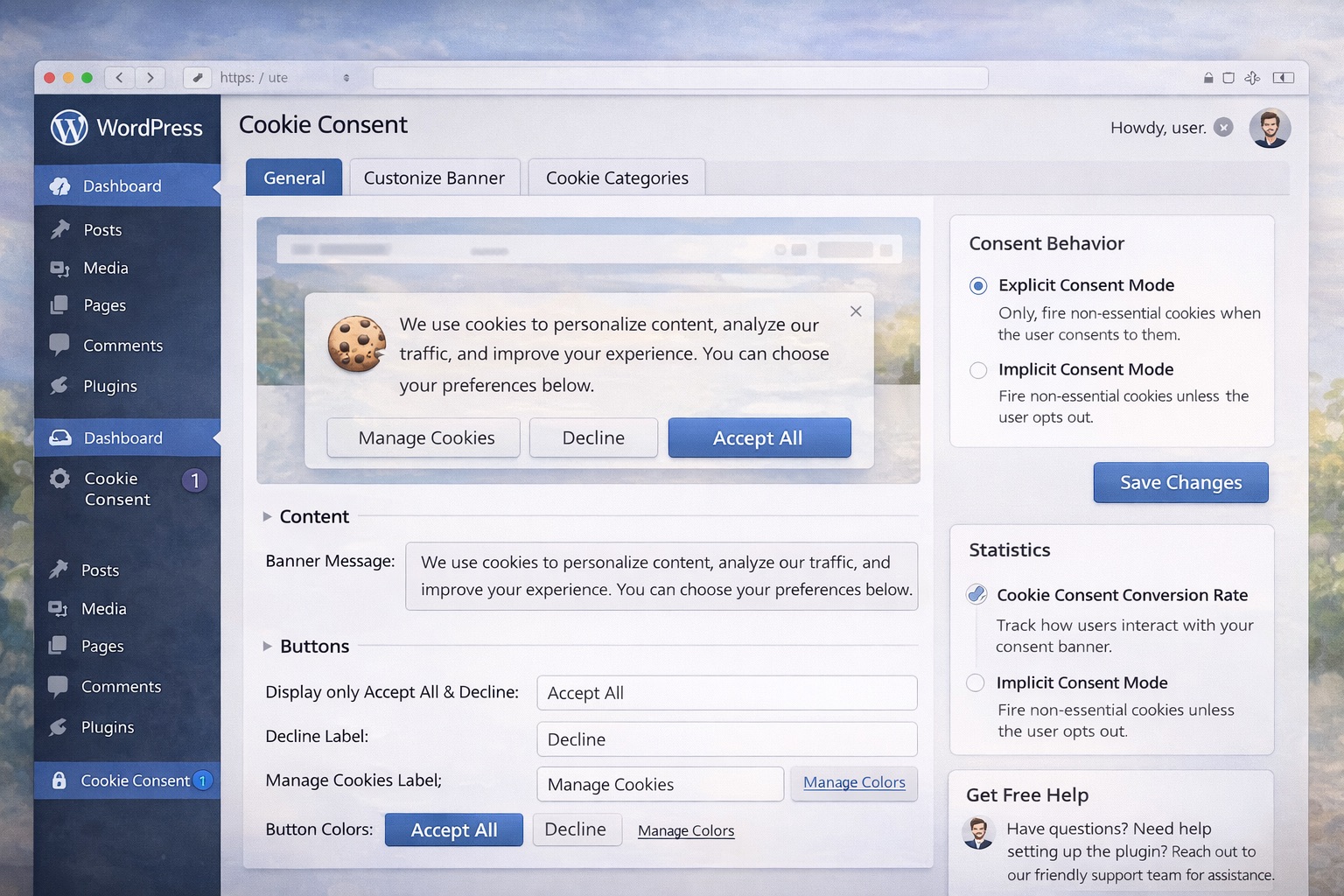
WordPress: Choosing the Right Consent Plugin
The three leading consent plugins for WordPress each take a different approach:
WPConsent stores all consent data locally in your WordPress database, not on external servers. It includes automatic script blocking for common trackers (Google Analytics, Facebook Pixel), a built-in cookie scanner with scheduled scans, and Google Consent Mode v2 support. The free version has no pageview limits. Best for site owners who want their data to stay on their own server.
CookieYes is a cloud-based solution used on over 1.5 million sites. It auto-scans and categorizes cookies, supports 40+ languages with auto-translate, and is a Google-certified CMP with IAB TCF 2.2 support. Premium starts at $100/year. Best for multi-language sites.
Complianz uses a wizard-based setup and covers the broadest range of regulations: GDPR, CCPA, ePrivacy, DSGVO, TTDSG, POPIA, and more. Its Script Center provides domain-level control over which scripts can run before consent. Free version works for most sites; premium from $59/year. Best for sites serving visitors in multiple jurisdictions.
Setting Up WordPress Cookie Compliance
- Install your chosen consent plugin
- Run the initial cookie scan to identify all cookies on your site
- Move any tracking code from
header.phporfunctions.phpinto the consent plugin's management system - Configure banner design with equally visible "Accept All" and "Reject All" buttons
- Enable automatic script blocking for analytics and marketing scripts
- Enable Google Consent Mode v2 in the plugin settings
- If using GTM4WP alongside a consent plugin, disable duplicate GTM container output in one of them
- Test in an incognito window: open DevTools, navigate to your site, and verify no non-essential cookies appear before consent
Handling Plugin Conflicts
Plugin conflicts are the leading cause of WordPress cookie compliance failures:
- GTM4WP + consent plugin: Both may output the GTM container code, causing double-counting. Disable the container output in GTM4WP and let the consent plugin handle it.
- Google Site Kit + consent plugin: Site Kit does not have built-in consent management. It works alongside CookieYes, Complianz, and Cookiebot without conflicts, but you need a separate consent plugin.
- MonsterInsights: Has a built-in EU Compliance addon. If using alongside a consent plugin, disable the duplicate consent settings to avoid conflicts.
- WooCommerce: Cart and session cookies are essential and must not be blocked. Poorly configured consent that blocks "all cookies" will break checkout.
What Shopify Stores Get Wrong
Shopify sets its own cookies for cart management, sessions, and analytics. In 2025-2026, Shopify deprecated several cookies: _shopify_y and _shopify_s will no longer be set as of January 2026, and _tracking_consent was deprecated in September 2025.
The most common violations on Shopify:
- Relying on the native banner. Shopify's built-in cookie banner does not block third-party scripts, does not scan for cookies, and does not provide granular categorization. It only manages cookies within Shopify's own ecosystem.
- Third-party app cookies. Review apps, heatmaps, live chat widgets, and marketing apps all set their own cookies. Shopify's native banner does not control them.
- No consent logging. Shopify's native solution does not provide audit-ready consent records. If a regulator asks you to prove consent, you need timestamped logs with user ID, decision, categories approved, and banner version.
- Direct cookie manipulation. Some developers read or modify Shopify cookies directly instead of using the Customer Privacy API. This will break when Shopify releases new versions.
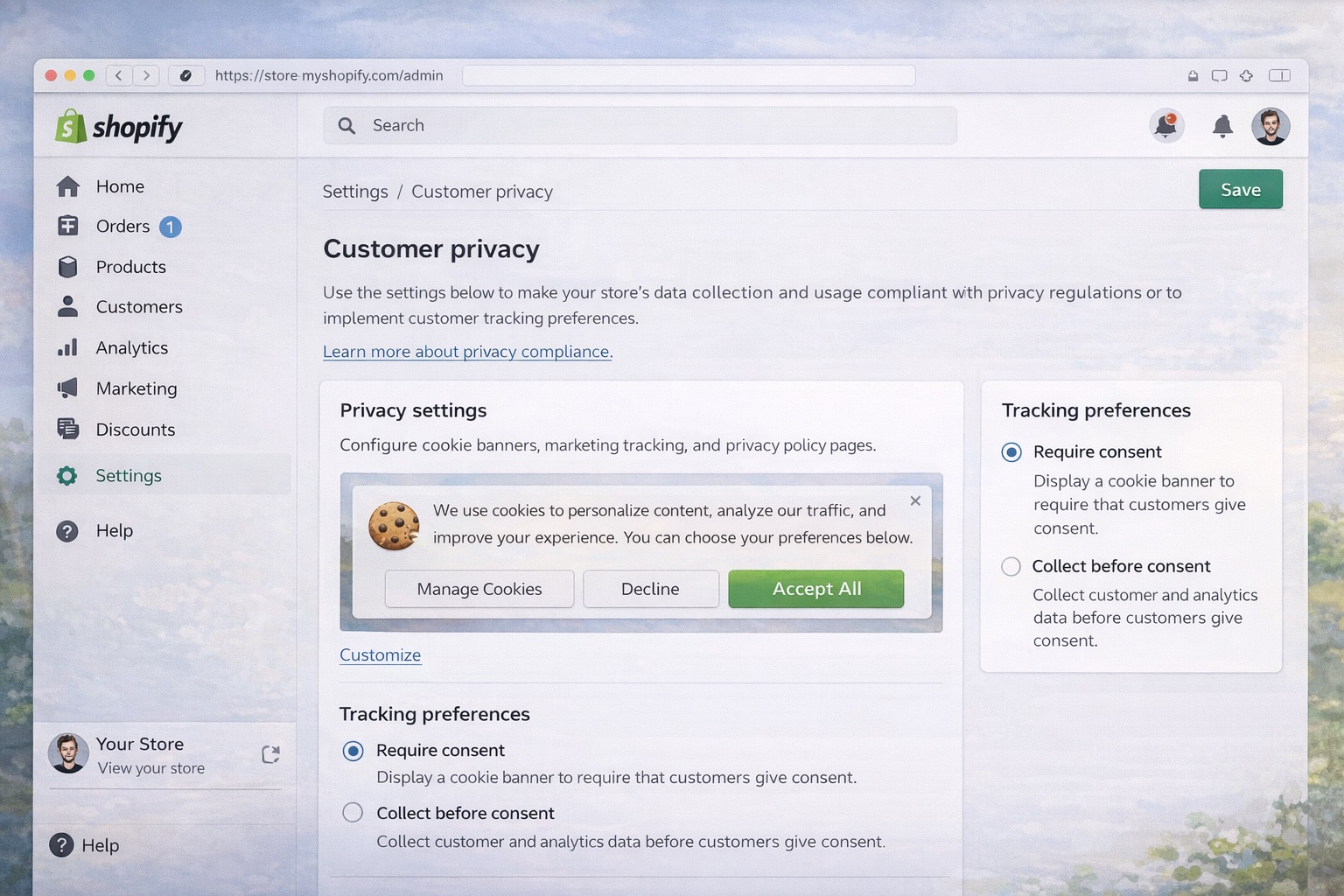
Shopify: Choosing the Right Consent App
Shopify's native banner is insufficient for GDPR compliance if your store uses any third-party marketing, analytics, or personalization tools.
Pandectes GDPR Compliance has a 5.0 rating with 2,655 reviews. It provides auto GDPR/CCPA banners with Google Consent Mode v2 integration.
Consentmo also has a 5.0 rating with 1,747 reviews. As of January 2026, it supports IAB TCF 2.3 and offers native mobile banners for iOS and Android.
CookieYes has a 4.7 rating and is a Google-certified CMP with IAB TCF 2.2 support, consistent with its WordPress version.
Setting Up Shopify Cookie Compliance
- Go to Settings > Customer Privacy and enable consent collection for applicable regions (UK, EEA)
- Install your chosen CMP app from the Shopify App Store
- Set the default to block all non-essential cookie groups initially
- Review all installed apps and identify which ones set non-essential cookies
- Configure the CMP to block third-party scripts (marketing pixels, analytics) until consent
- Enable Google Consent Mode v2 in the CMP settings
- Always use the Customer Privacy API, never read or modify Shopify cookies directly
- Test the checkout flow to ensure essential cart cookies are not blocked
- Configure geo-targeted banners for different jurisdictions (EU, California, etc.)
- Verify that consent recording only happens on visitor interaction, never automatically
Google Consent Mode v2: Mandatory Since July 2025
Google Consent Mode v2 became mandatory for EEA and UK traffic in July 2025 with no grace period. Without it, conversion tracking and remarketing will not function for European visitors.
The critical requirement: the Consent Mode default state must be set before any Google tags fire. This means the consent initialization code must be the very first script in the <head>.
67% of Consent Mode v2 setups fail to meet compliance standards, usually because of incorrect default states, race conditions with tracking scripts, or improper consent signal mapping.
On WordPress, all three major consent plugins (WPConsent, CookieYes, Complianz) include built-in Consent Mode v2 support. On Shopify, Consent Mode v2 is not a native option and requires a third-party CMP app like Consentmo or Pandectes.
The Fines Are Real
SHEIN was fined EUR 150 million in September 2025 for placing advertising cookies before users could consent, and for having a "Reject All" button that did not actually work. Microsoft's Bing was fined EUR 60 million for making rejection harder than acceptance. Coolblue was fined EUR 40,000 for pre-checked consent boxes.
These are not edge cases. Under GDPR Article 83, cookie violations can result in fines of up to EUR 20 million or 4% of annual global revenue. Under CCPA, each violation carries penalties of $2,500 (unintentional) to $7,500 (intentional).
Enforcement is expanding to SMEs and smaller websites. Spain alone has issued over 1,021 GDPR fines. The era of only targeting big tech is over.
Check Your Store or Site Right Now
Whether you run WordPress or Shopify, the fastest way to find out if your site has cookie compliance issues is to scan it. Scan your website for free to see exactly what a regulator would find: pre-consent cookies, trackers loading before consent, and banner issues.
It takes 30 seconds and gives you a clear list of what to fix. The plugins and apps listed above will handle most of the fixes, but you need to know what is broken first.
Is Your Website Compliant?
Scan your website for free and find out if your cookie banner meets GDPR requirements.
Scan Your Website - Free